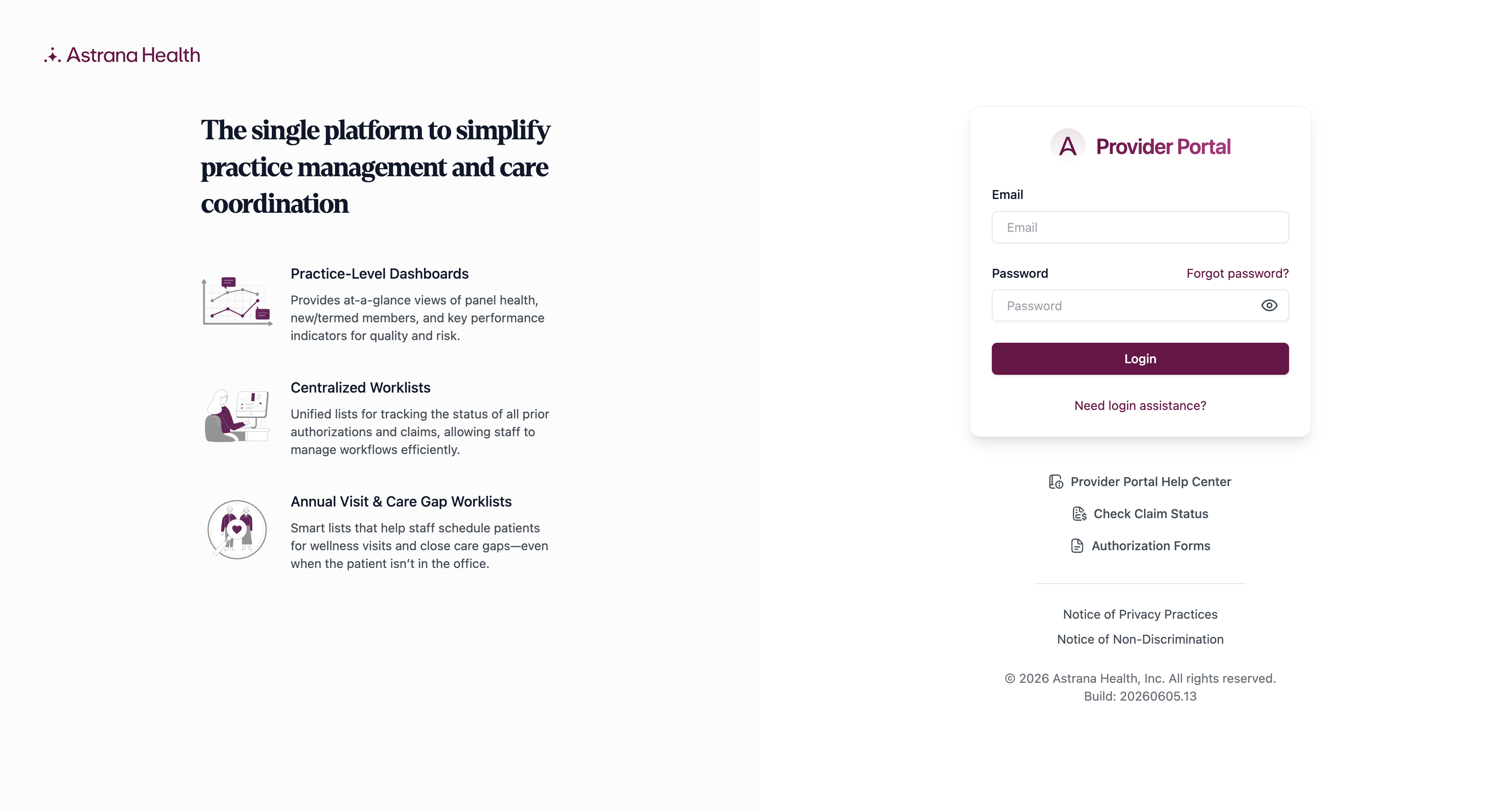
How do I accept my Provider Portal invite?
New user accounts are created through an emailed invitation from Astrana Health.
Check your email invitation
You will receive an email invitation from Astrana Health to access the Provider Portal. Open the email when you’re ready to set up your account.
Accept the invite
Click Accept Invite in the email to begin creating your account.
Fill out your account details
In the Create Account workflow, complete the following fields: Email, First Name, Last Name, and What best describes your role?
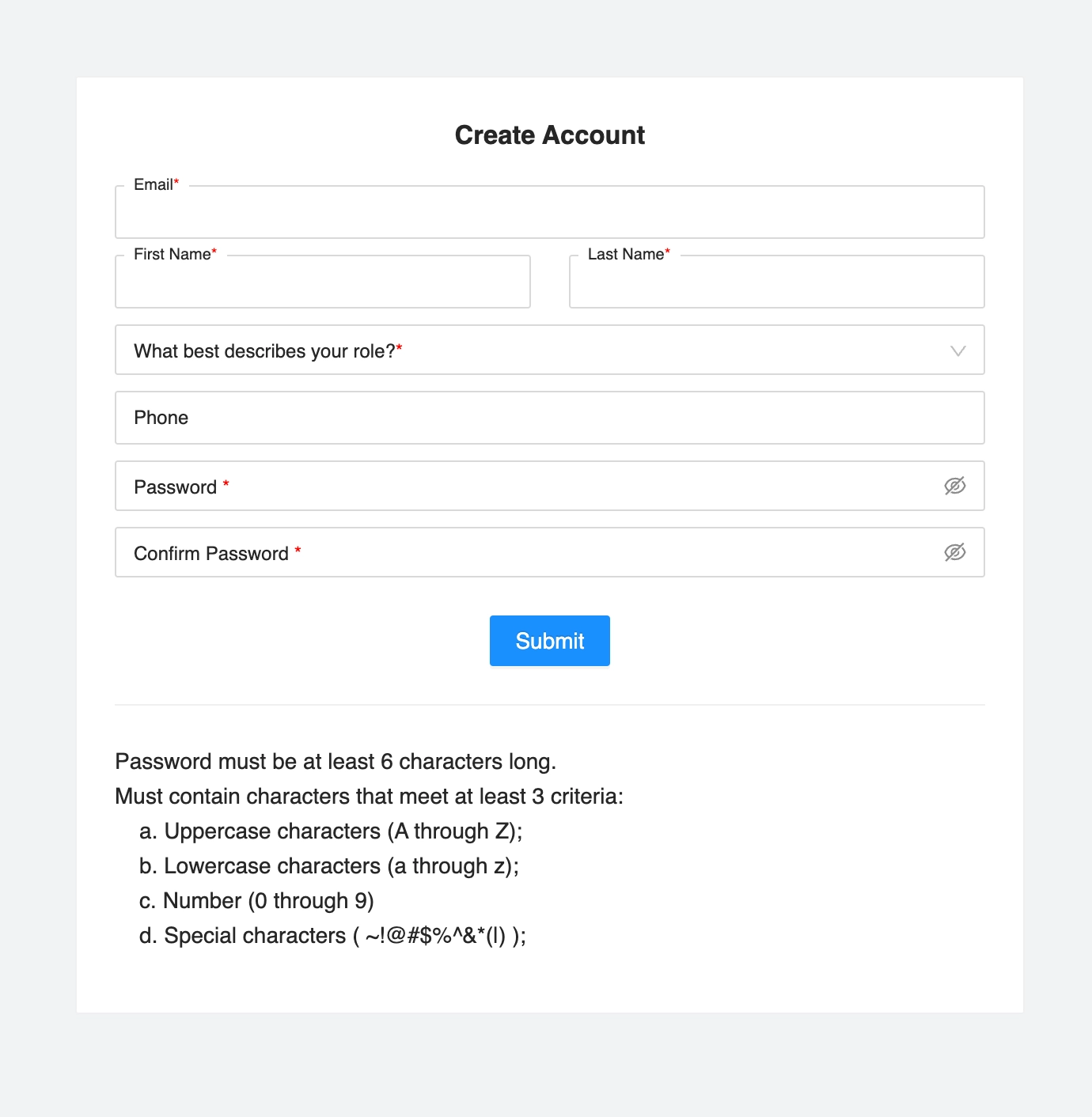
Create a password
Type a new password that meets the listed criteria, then confirm it by re-entering it in the Confirm Password field. Click Submit.
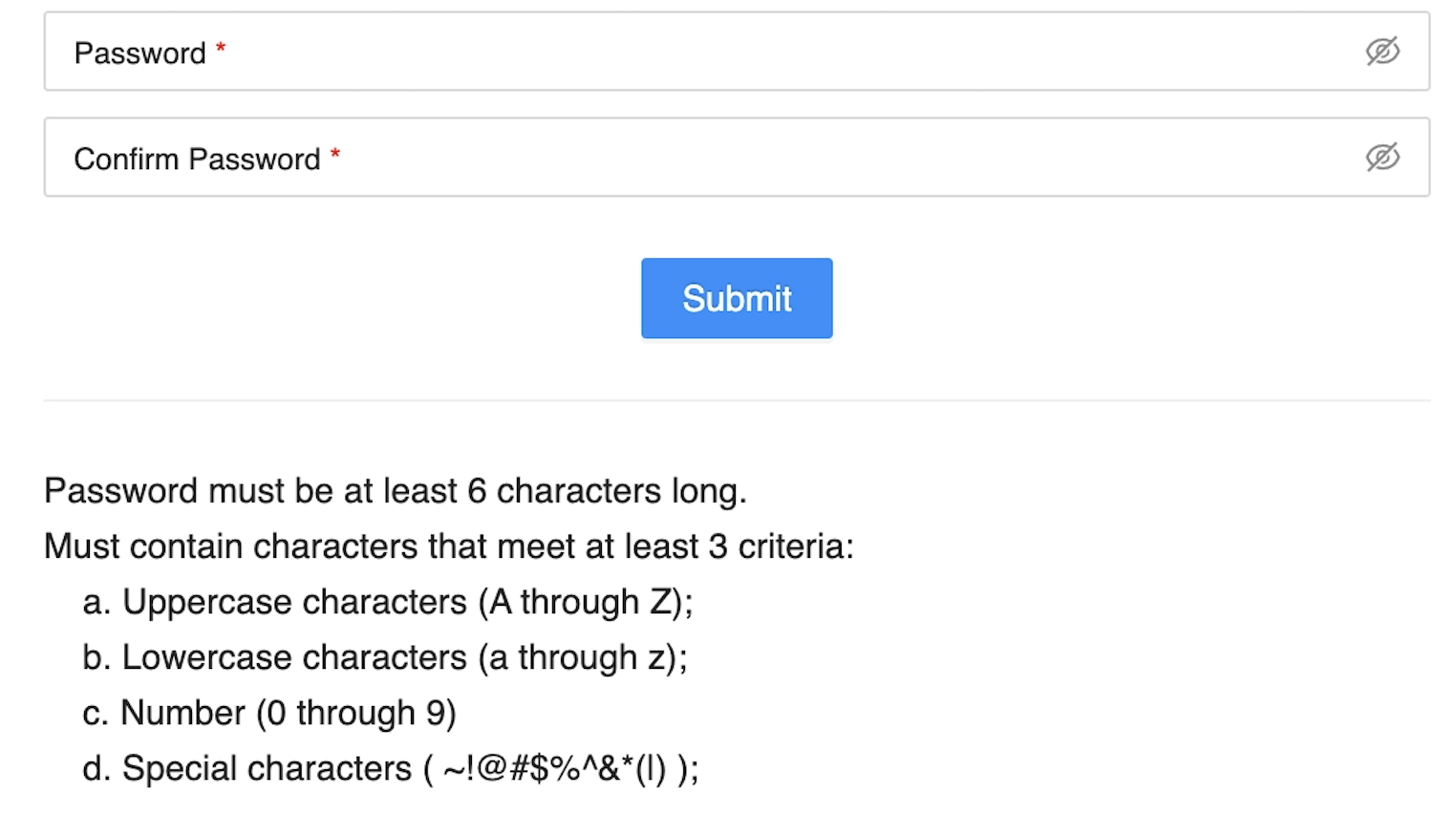
Return to the login page
A confirmation message will appear: “Your account is now ready. Please click here to go back to the login page.” Click Back to Login to proceed to sign in.
Portal Link: https://provider-portal.astranahealth.com/login